

Planning a trip is exciting, and a little financial preparation can help everything go smoothly. Taking a few simple steps before you leave can make it easier to access your money, avoid unnecessary fees, and stay protected while you’re traveling.
Before you pack your bags, here are 10 smart banking tips to help you travel with confidence.
 |
Notify Your Bank Before You Travel Letting your bank know about your travel plans helps prevent unexpected disruptions. Without a travel notice, purchases made in a new location could be flagged as unusual activity. For Woodforest customers, please contact our Customer Experience team at 1 (877) 968-7962 or visit your local branch to have travel notes placed on your account to help prevent interruptions in usage. |
 |
Review Fees Ahead of Time
Knowing what to expect can help you avoid surprises. Review the Woodforest Schedule of Fees here. |
 |
Bring Multiple Payment Options
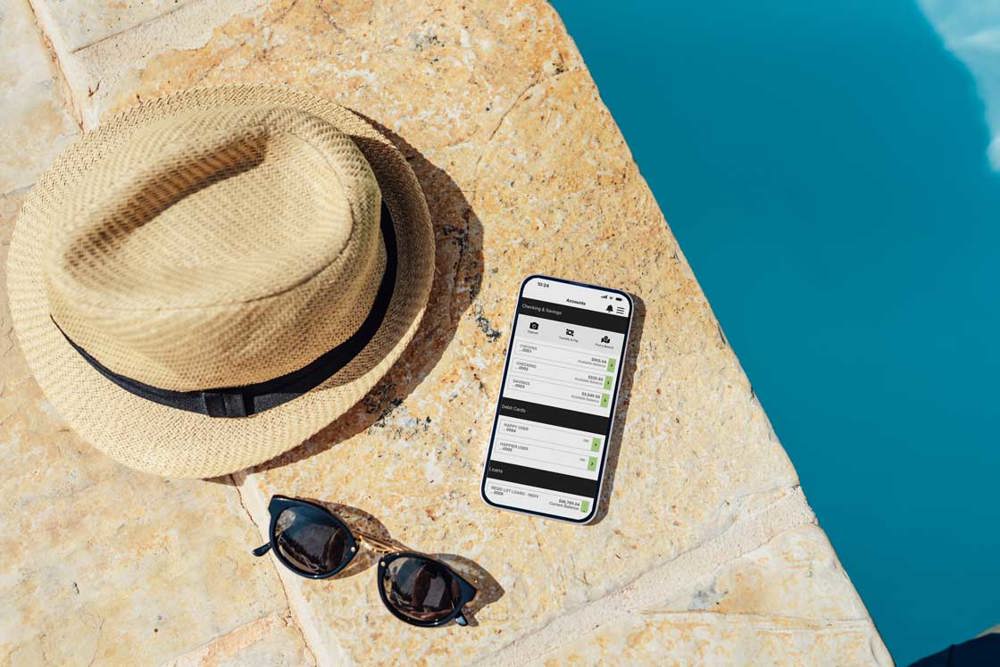
Having backup options can be helpful if one payment method becomes unavailable. Learn more about Woodforest Debit Cards here: Personal Debit Cards. |
 |
Know What to Do if Your Card Is Lost or Stolen Consider saving your bank’s contact information in your phone or keeping it in a secure place while traveling. Woodforest customers can report a lost or stolen debit card through Online Banking or by calling: Houston: (832) 375-2002 |
 |
Use Mobile Banking for On-the-Go Access
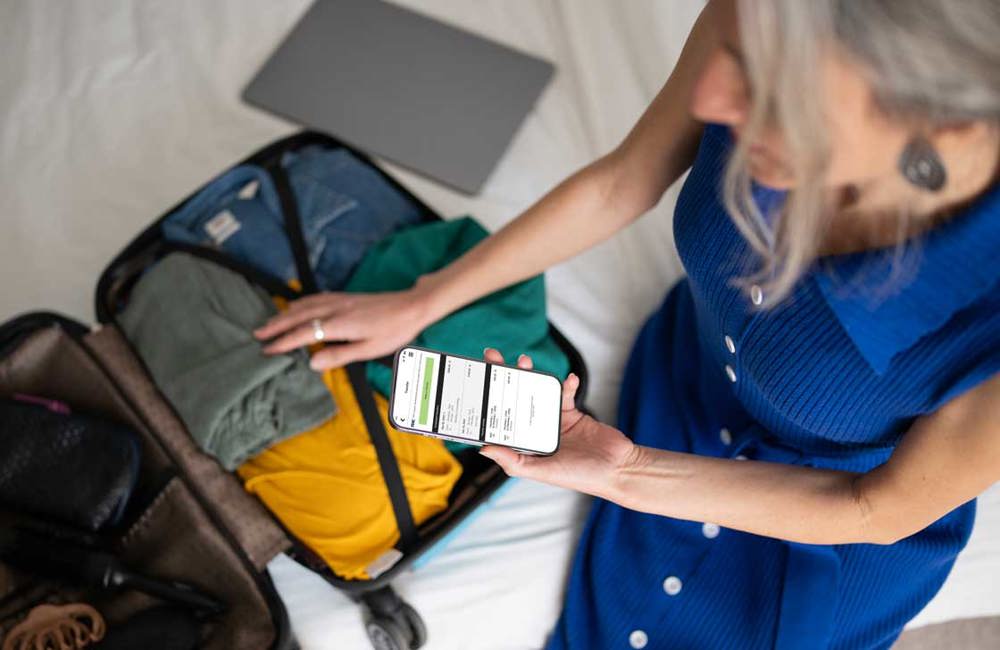
Having this access while traveling helps you stay in control of your finances no matter where you are. Woodforest Online Banking and the Woodforest Mobile Banking App* provide convenient and secure access to your Woodforest accounts from home, work, or anywhere an internet connection is available. Learn more about our app here: App at a Glance demo |
 |
Take Advantage of ATM Access Find a Woodforest National Bank location here. |
 |
Consider Cash Back at Checkout |
 |
Set Up Necessary Automatic Payments and Transfers Before You Leave
This helps ensure everything stays on track while you focus on your trip. |
 |
Review Travel Protection Options |
 |
Keep Security Top of Mind
These small steps can help protect your information and give you peace of mind. |
Travel with Confidence
A little financial preparation can make a big difference in how smoothly your trip goes. By planning ahead and staying informed, you can focus on what matters most and enjoy your time away.
At Woodforest National Bank, we’re here to support you wherever life takes you. From mobile banking tools to nationwide access and personalized service, our Retail Bankers are ready to help you prepare for your next trip.
Featured Tools

Use your debit card to get cash at ATMs, make purchases, pay with digital wallets, and more.




Additional Woodforest U Resources
*Data rates may apply. See carrier for details. The mobile.woodforest.com website is available on mobile phones with a full internet browser. Your phone will display the website in either a rich or text version depending on the operating system and version currently installed on your device. The "Log In" option will appear on the main menu of supported devices capable of logging into online banking. If you have any questions about our mobile banking website, iPhone®, or Android™ applications, please contact us at 1-877-968-7962, email us at mobilesupport@woodforest.com, or visit your local branch. Additional limitations, restrictions and fees may apply for these services. You may speak to one of our Retail Bankers for more details.

DISCLOSURE
DISCLOSURE
*Data rates may apply. See carrier for details. The mobile.woodforest.com website is available on mobile phones with a full internet browser. Your phone will display the website in either a rich or text version depending on the operating system and version currently installed on your device. The "Log In" option will appear on the main menu of supported devices capable of logging into online banking. If you have any questions about our mobile banking website, iPhone®, or Android™ applications, please contact us at 1-877-968-7962, email us at mobilesupport@woodforest.com, or visit your local branch. Additional limitations, restrictions and fees may apply for these services. You may speak to one of our Retail Bankers for more details.